Clients
Place an order
Choose a restaurant, add dishes, and complete checkout from the Pant client app.
Updated: 2026-06-09
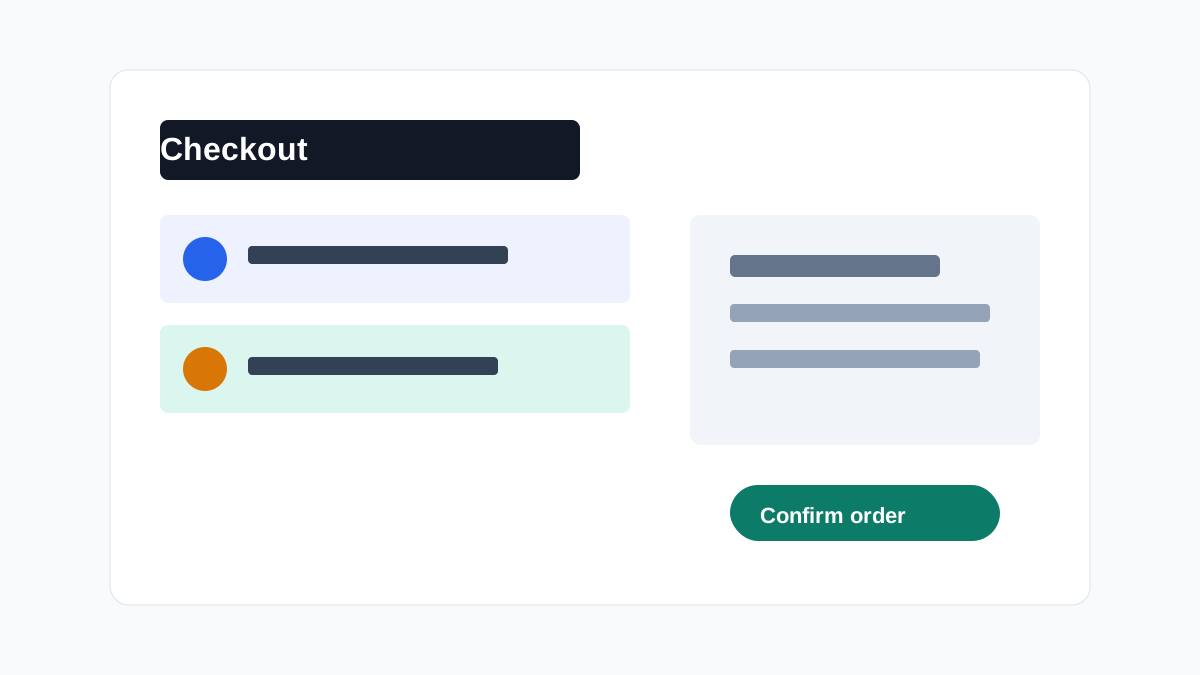
Use Pant to browse a restaurant, review dishes, and confirm your order from checkout.
Before you start
- Make sure the restaurant is open and accepting orders.
- Check dish availability before checkout.
- Sign in if the checkout asks for your account.
Steps
- Open the restaurant page.
- Choose dishes and options.
- Review your cart and payment method.
- Confirm the order from checkout.